All solution examples
Solution example · Waste management, recycling & building materials
Truck scale software with SAP integration for recycling and building materials
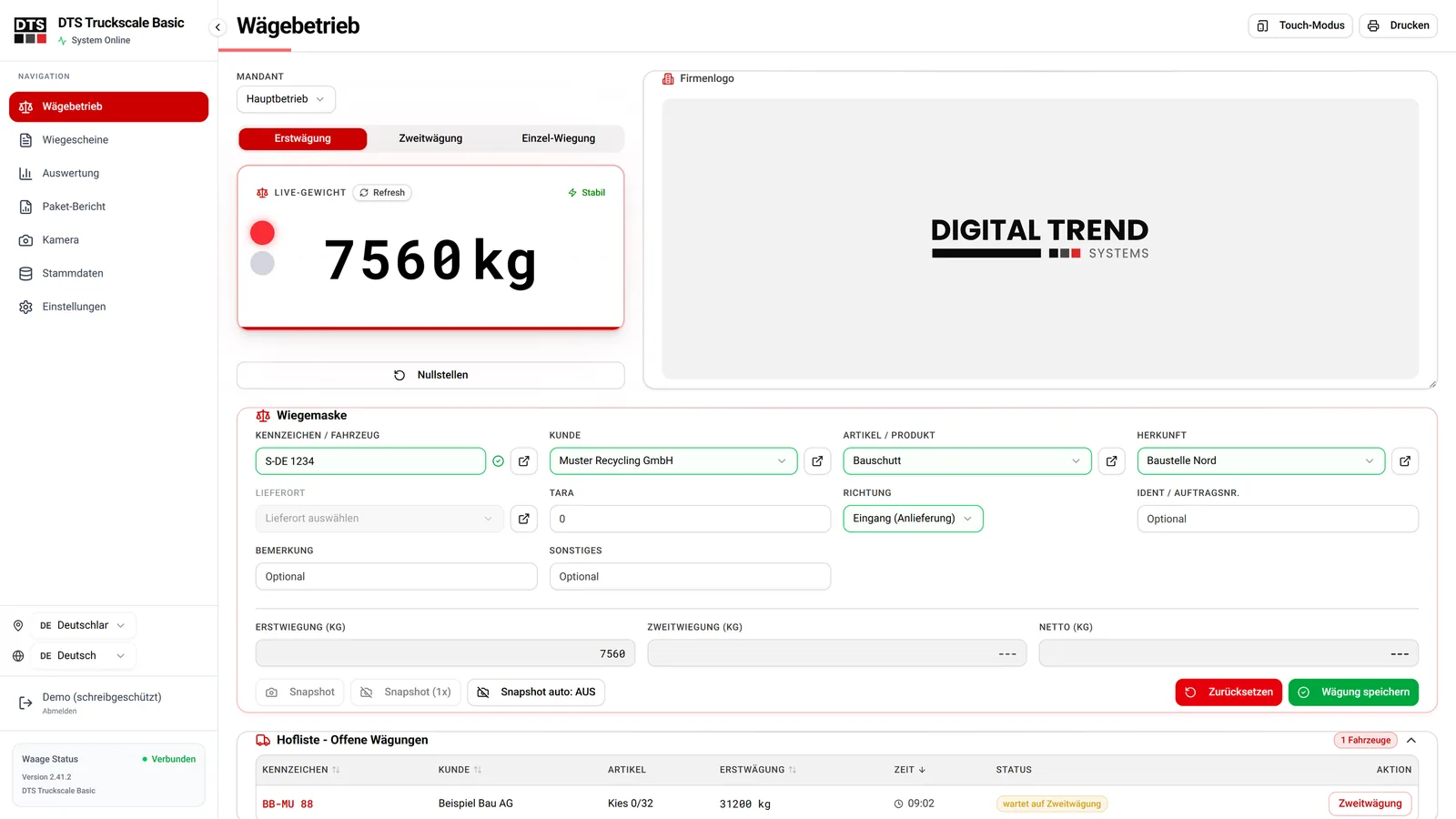
At a recycling yard, gravel pit or landfill, every truck crosses the scale – and every typing error ends up in the invoice. This example shows how a truck scale works without paper, from the first weight to the finished weighing ticket, and posts the data directly to SAP or your ERP.
Delivered applicationSAP / ERP integration
First, second & singleweighing modes
Alibi no.taken automatically from the terminal
SAP / ERPposting without retyping
The starting point in this industry
At many weighbridges, the weight is still read off the display, written on a slip and later typed into the system. At peak times trucks queue in front of the scale, regular vehicles are entered from scratch every time, and when a complaint comes in, there is no proof.
At the same time, invoicing needs clean data: customer, material, origin, net weight – and, for legal-for-trade weighings, the alibi number from the verified terminal.
How it works
- Identify the vehicleLicence plate or card – customer, material and tare are filled in from master data.
- WeighLive weight with standstill check; the first weighing goes to the yard list, the second weighing calculates the net weight.
- Ticket & postingAudit-proof weighing ticket with alibi number, handed over to SAP or your ERP.
The 10 key features
- First, second & single weighingLive weight with standstill check
- Legal-for-trade alibi numberTaken automatically from the weighing terminal
- Data via licence plate or cardCustomer, product and tare fill in automatically
- Yard list with waiting-time alertOpen vehicles always in view
- Touch mode for driversSelf-service, even with gloves on
- Traffic light, barrier & large displayControlled straight from the weighing screen
- Camera photos on the ticketSnapshot with every weighing
- Audit-proof weighing ticketsCorrection, cancellation, re-weighing with reason
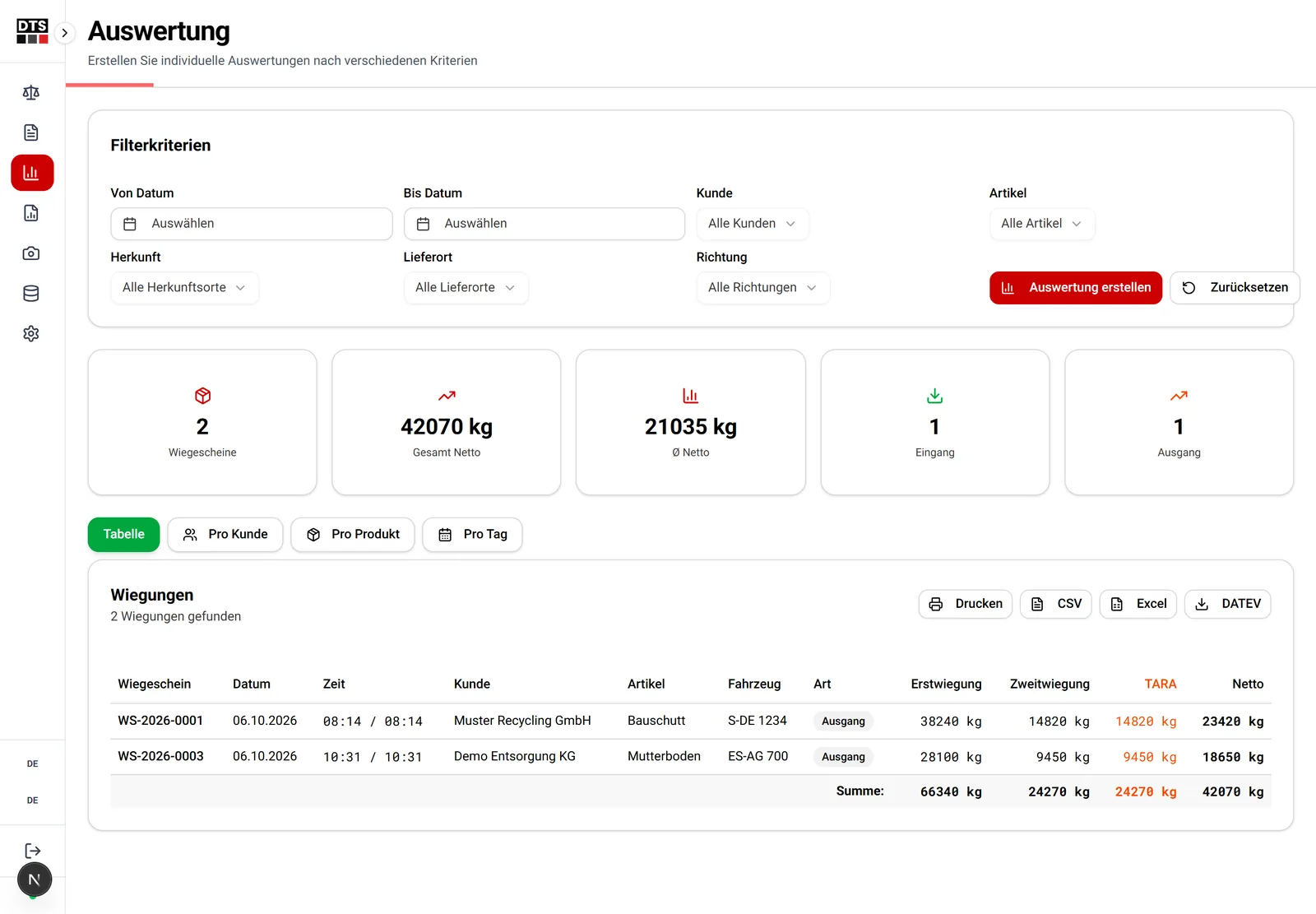
- Reports & exportExcel, CSV and PDF reports
- Template editorDesign weighing tickets by drag & drop
Integration with SAP and other ERP systems
Every completed weighing can be handed over to SAP as a document – for example as a goods receipt for deliveries or as a delivery when selling gravel and crushed stone. Customer, material and order master data come from the ERP, so nobody maintains data twice at the scale.
Besides SAP S/4HANA and SAP ECC, we integrate other ERP systems too – for example Microsoft Dynamics 365, abas, proALPHA, Odoo or weclapp. The interface adapts to your system, not the other way round.
More on connecting your scale to SAP
Frequently asked questions
Can the truck scale be connected to SAP?
Yes. Master data such as customers, materials and orders are taken from SAP, completed weighings go back as documents – via standard interfaces such as IDoc, BAPI, OData or file exchange, depending on your system.
Does this work with our existing scale?
Usually, yes. We connect weighing terminals independently of the manufacturer via RS232, TCP/IP or fieldbus; what matters is the terminal's interface, not the brand.
Related topics
More solution examples